case study
RENT.COM
native APP
As a subsidiary of eBay, Rent.com enjoyed the
support of a large company, but with only 110
employees, retained a start-up culture.
Challenge
take the app beyond PRIMITIVES
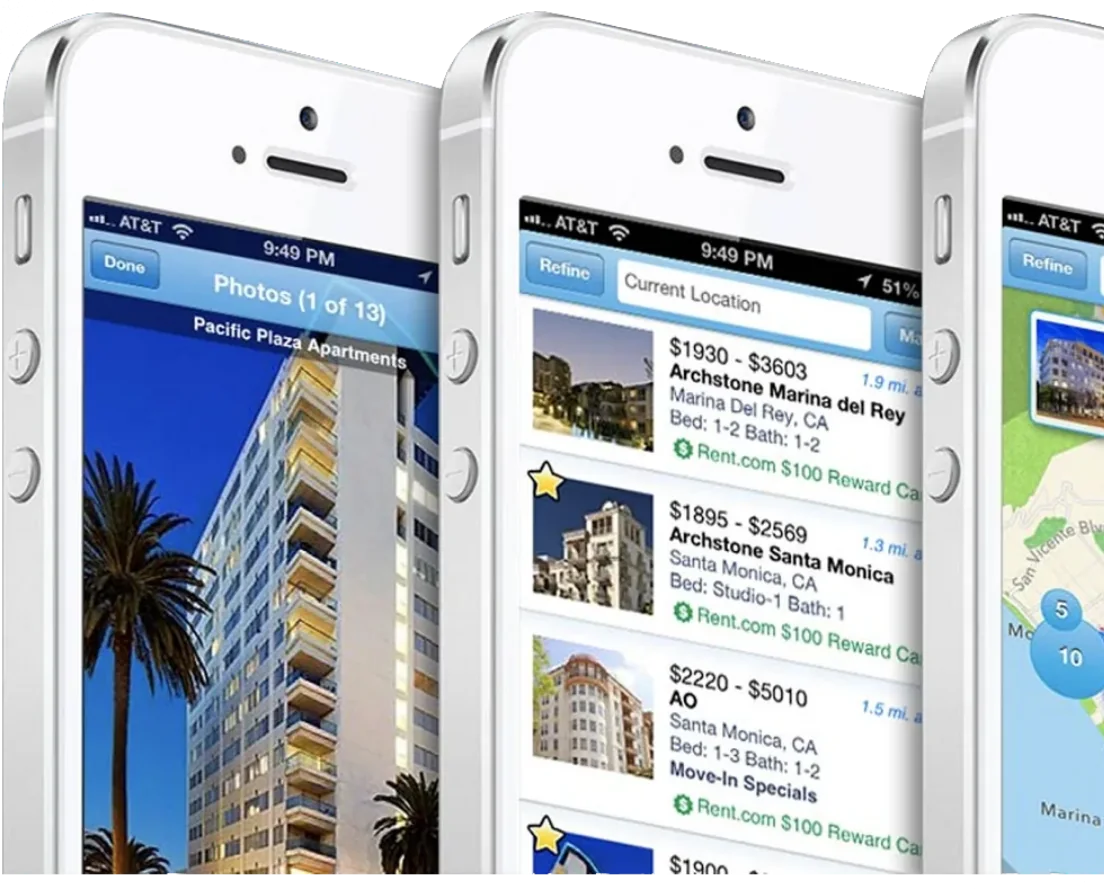
Rent.com was able to get up and running with both IOS and Android
apps as soon as 2010. The initial versions of these apps were pretty
simplistic and largely mirrored functionality existing on the website.
This was a great jumping off point for version 2.0.
SURVEYING THE LANDSCAPE
As soon as an app uplift was budgeted and approved, I began to collect signals
directly from our users. As an early adopter of usertesting.com, I tested our existing
experiences alongside competitors. This was coupled with diary study, also in
partnership with usertesting.com.
Above: I ran users through a series of apartment finding tasks on Rent.com’s app as well as 3 competitors
Early signals confirmed that users expected more out of the Rent.com app. Most
users commented that they did not see a big benefit to downloading the app. While
testing competitors, it became clear that those who invested in features and
functionality unavailable to websites were perceived as more usable.
In addition to running usability tests on competitor apps, I began to benchmark
functionality and note key differences between rental apps and real estate purchase
apps. In many cases, real estate purchase apps like Trulia and Zillow had already
started investing 360º technology and professional photography. Rental apps were
generally behind this curve and Rent.com was no different.
Above: I did a series of screen tear downs with apps in the tangential property purchase space
DIARY STUDY
In order to better understand how our users were searching for apartments I
approached usertesting.com’s research team with a diary study proposal. We ended
up partnering on a study that had users journal via the usertesting.com platform
twice a week for three weeks.
This gave myself and the team great insight into user’s journeys in real time. Over
the course of three weeks the team was able to empathize with a group of five
users. We got a great understanding of their motivations, objectives and problems.
This also gave us some insight into offline influences and searching techniques. We
saw patterns but also learned from the power users who were using note taking
apps and social channels to collect information. This led us to a series of
functionality brainstorms for Rent.com’s 2.0 app.
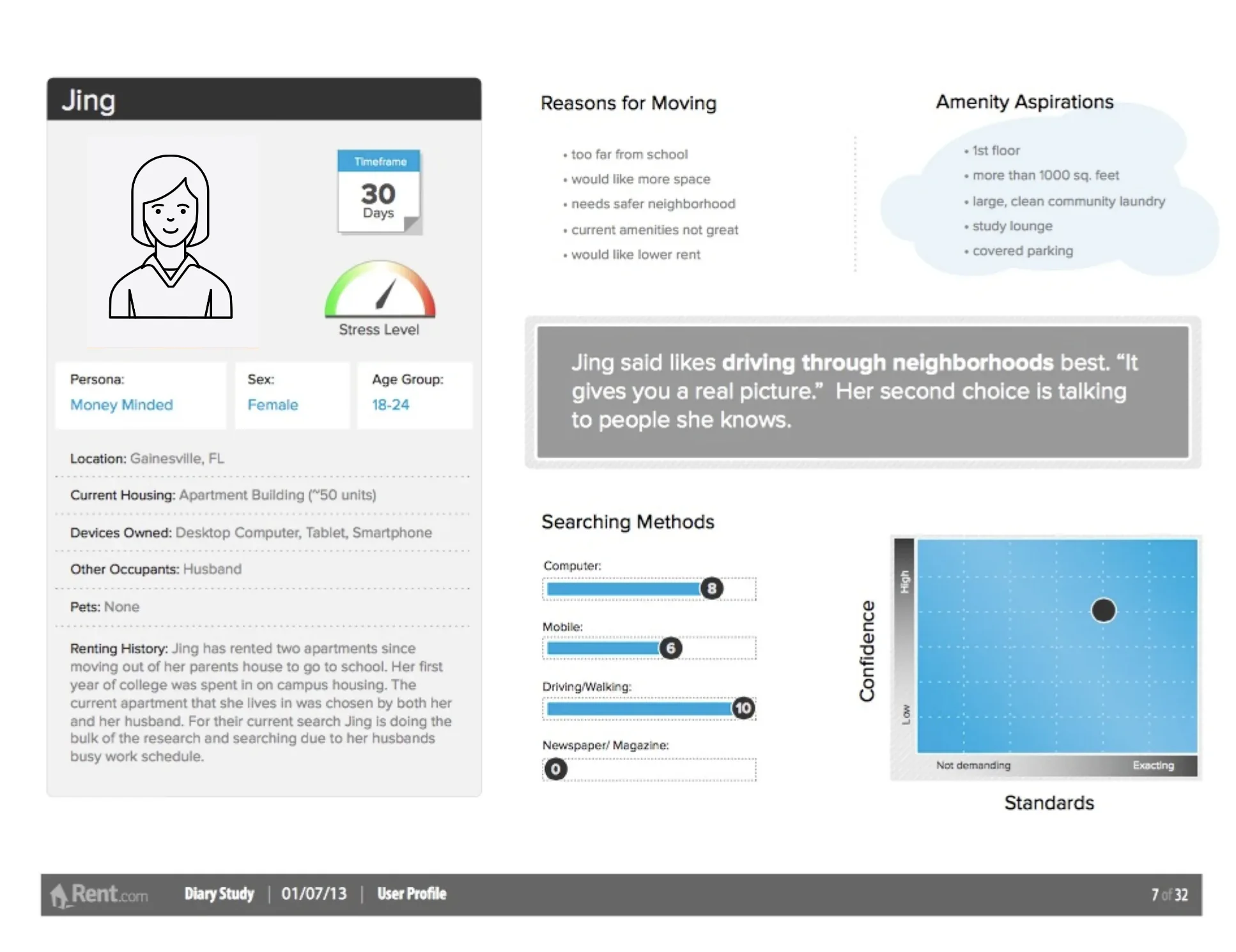
Above: In order to create empathy for our users, the design team put together profiles that summarized their motivations, methods,
searching techniques and aspirations.
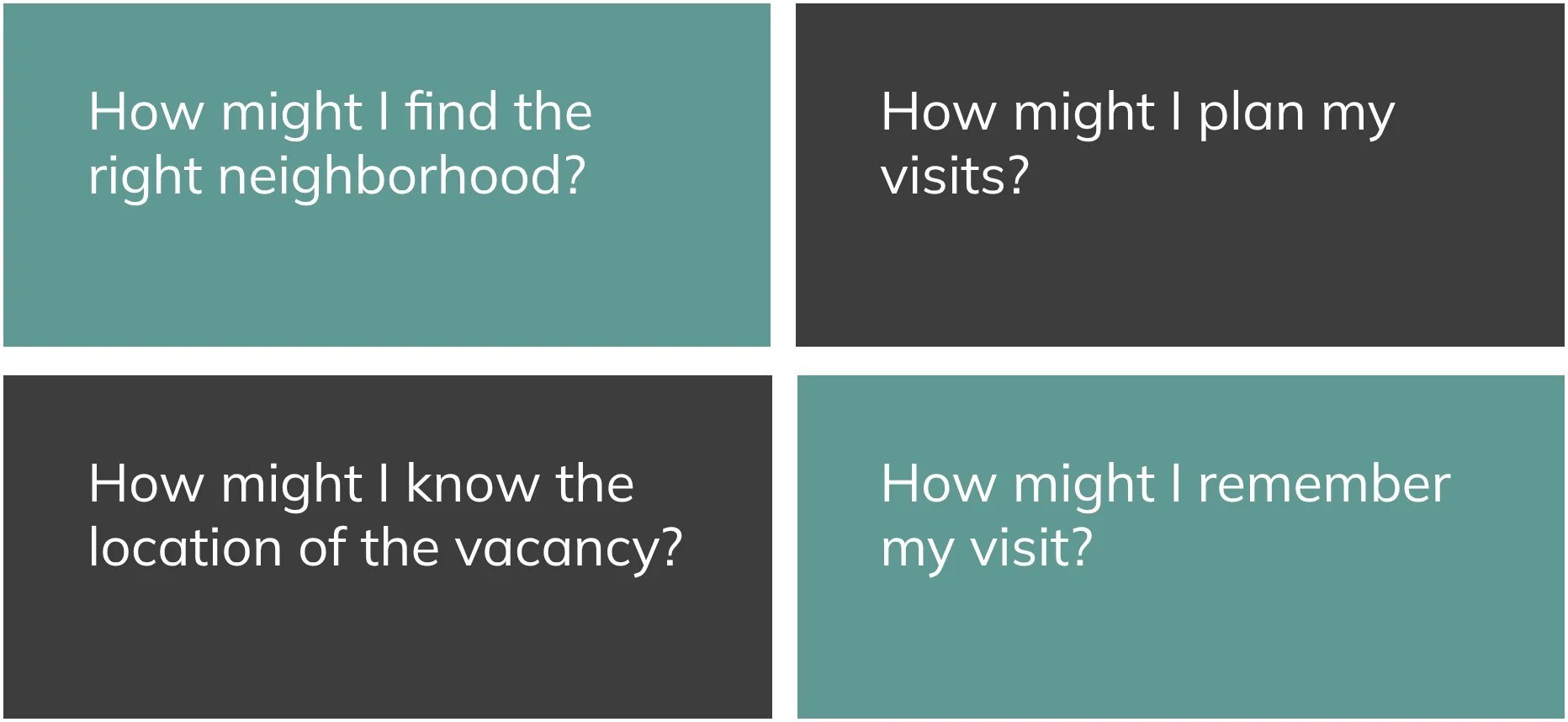
HOW MIGHT I?
After the team reviewed all the sessions we began to synthesize our research. Five
team members each took and individual and created sticky notes of users pains, gains
and searching methods. From these notes the team began to synthesize themes. The
themes help us to brainstorm around “How might I?” questions.
NEW FEATURE IDEATION
Using our ‘How might I?’ questions, the team began to ideate on new features and
functionalities. Inspiration was also drawn from best in class apps outside of the
rental space. Team members were encouraged to utilize native functionality that was
not available for our website.
Above left: Ideation for allowing our users to understand more than the location of a property but also neighborhood boundaries and
the demographics and amenities available in each.
Above right: Ideation for planning a visit to multiple properties.
Above: Ideation for an AR feature allowing users to see vacancy locations along with beds, baths and price.
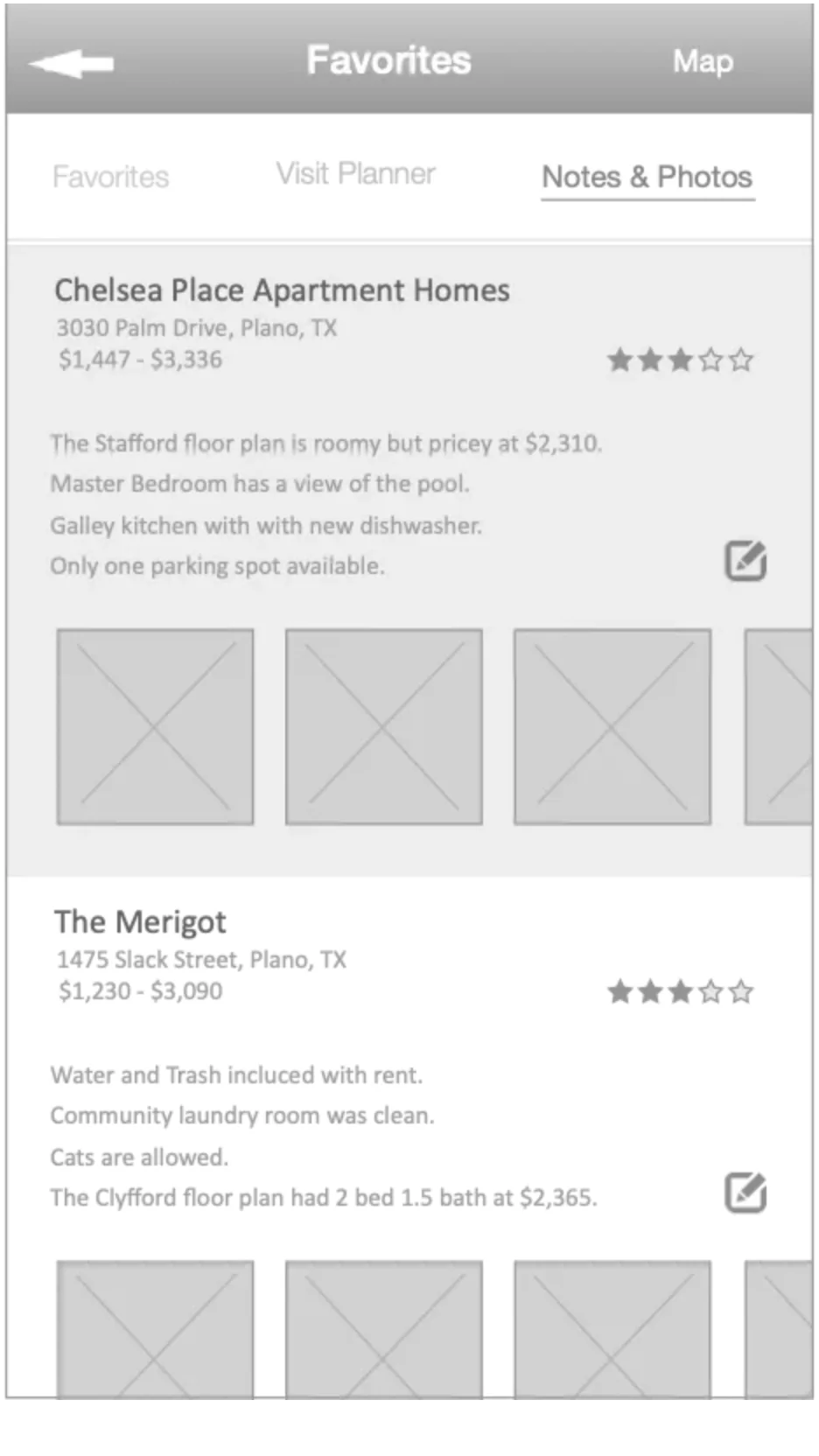
Above: Ideation for taking personal notes, photos and ratings for visiting properties.
ANNOTATIONS AND FLOWS
A challenge that I was resolved to solve from the first version of the app was to
better document our flows and functionalities. This was not only for new features but
holistically for the app. Development teams spent too many cycles in version 1.0
building the app solely off screen designs. Having a guidebook of annotations not
only helped our development team build more accurately, but gave stakeholders an
easier time understanding the intentions of the design team.
Above: Flows and annotations for Search Map View
BETTER STYLINGS
Under my direction the design team made some upgrades to the app visuals.
Although a formal style guide was never created, the team spent time creating
consistent patterns and updating expected iconography. Through user testing, the
team realized that the first version of the app presented out of date patterns for
many features that were becoming common across the app landscape.
Above: Final designs for search filters and map view search results
Above: Final designs for Account and Search Results list view
success metrics
2.6%
Increase in Downloads
4.1%
Increase in Active Users